The first video in a funnel has one job: make people comfortable enough to tap the first answer. Fifteen seconds is enough for that. Here is a simple four-line template, ten example scripts you can adapt, and tips for recording it on a phone.
In short
Keep it to about 35 to 40 words in four lines: hello and your name, who it is for, what happens next, and the ask. For example: “Hi, I’m [name] from [business]. If you’re thinking about [what you help with], answer one quick question and I’ll show you the part that fits you. Tap your answer below.”
Why 15 seconds is enough
A welcome video is a hello, not a pitch. People have just opened your link and want to know two things: who you are and what happens next. Fifteen seconds at a relaxed pace is roughly 35 to 40 words, which is enough for both.
Prices, details and examples belong in the short videos that play after each answer. That keeps the welcome video quick and every later video relevant.
The four-line template
- Hello and name: “Hi, I’m [name] from [business].”
- Who it is for: “If you’re thinking about [what you help with]…”
- What happens next: “…answer one quick question and I’ll show you the part that fits you.”
- The ask: “Tap your answer below.”
Put together: “Hi, I’m [name] from [business]. If you’re thinking about [what you help with], answer one quick question and I’ll show you the part that fits you. Tap your answer below.”
Read your script out loud with a timer. If it runs over 15 seconds, cut words rather than speaking faster.
10 example scripts by industry
Swap the words in brackets for your own. Each one takes about 15 seconds at a relaxed pace.
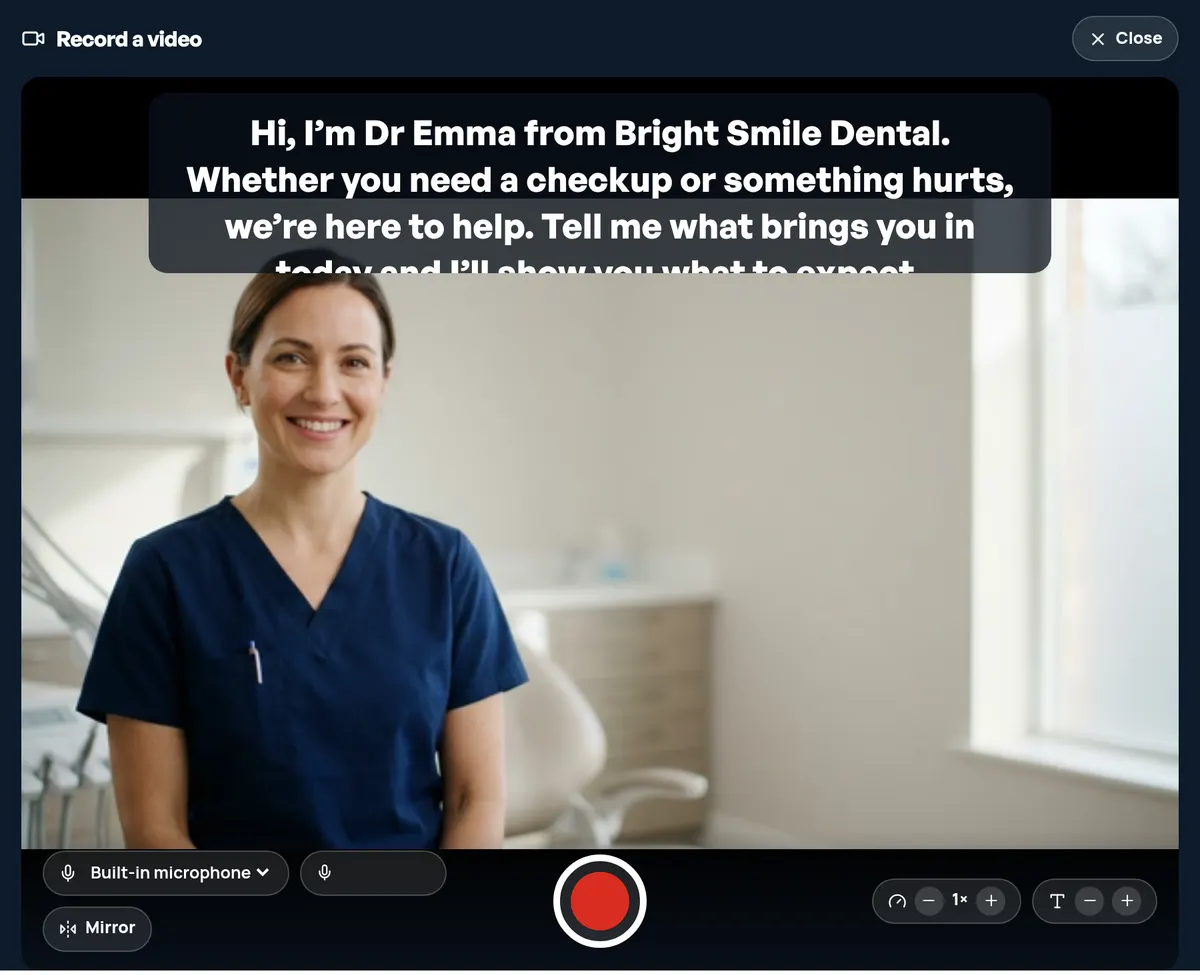
- Dentist: “Hi, I’m [name] from [practice]. Whether you need a checkup or something hurts, we’re here to help. Tell me what brings you in today and I’ll show you what to expect.”
- Med spa: “Hi, I’m [name] from [clinic]. Curious about a treatment but not sure where to start? You’re in the right place. Pick what interests you and I’ll walk you through the first step.”
- Real estate agent: “Hi, I’m [name], a real estate agent in [area]. Whether you’re buying, selling or just looking, I can help. Tell me where you are and I’ll show you how I work.”
- Home services: “Hi, I’m [name] from [business]. Something at home need fixing, upgrading or installing? Tell me what you need, and send a photo if you can, so we can give you a clear estimate.”
- Coach: “Hi, I’m [name]. I help [who you help] [do what]. Tell me what you’re looking for and I’ll show you the option that fits, then you can book a call if it feels right.”
- Insurance agent: “Hi, I’m [name] from [agency]. Insurance can feel confusing, so I keep it simple. Tell me what you’d like to cover and I’ll explain your options in plain words.”
- Mortgage broker: “Hi, I’m [name], a loan officer at [company]. Buying a home or thinking about refinancing? Tell me where you are and I’ll show you what the next steps look like.”
- Law firm: “Hi, I’m [name] from [firm]. If you’re dealing with something difficult, you don’t have to work it out alone. Tell me what kind of help you need and I’ll explain how we work.”
- Gym or personal trainer: “Hi, I’m [name], a coach at [gym]. New here? No pressure. Tell me what you’re looking for and I’ll show you around and how to get started.”
- Recruiter: “Hi, I’m [name] from [agency]. We’re hiring for several roles right now. Tell me which kind of work interests you and I’ll show you what the job is really like.”
How to record it on your phone
- Face the light. Stand facing a window or a lamp, never with it behind you.
- Hold the camera at eye level. Prop your phone on a shelf or a stack of books, turned sideways.
- Pick a quiet room. Turn off music and fans, and avoid bare, echoey rooms.
- Look at the lens, not the screen. In VideoSaysHi, paste your script into the recorder and it scrolls as a teleprompter near the top of the screen, so your eyes stay close to the camera.
- Record three takes. The first is a warm-up. Keep the one that sounds most like you talking to one person.
You can record in your browser or upload a video you already have. The recording guide shows both.
Common mistakes to avoid
- Starting with your life story. Save your background for a later video.
- Listing every service. The question does that. The welcome video only needs to point to it.
- Reading in a flat voice. Speak as if to one person across a table.
- Waiting for the perfect take. A friendly, slightly imperfect video beats one you never publish.
- Forgetting the ask. End by telling people what to do: tap an answer.
What comes after the welcome video
The welcome video ends on a question. Each answer plays its own short video, and the funnel finishes with a form or a booking calendar. If this is new to you, start with what an interactive video funnel is, then borrow a question from the examples for local businesses.