A quiz gives people a reason to keep watching: they want to know if they got it right. Done well, it teaches something useful, shows that you know your subject and ends with a natural next step. Here are quiz ideas by industry and how to build one that brings in leads, not just clicks.
In short
Pick one thing your customers often get wrong, ask three to five quick questions about it on video, and score the answers. Ask for an email before the result with clear consent, reward people who pass, and send each result to the next step that fits.
What makes a good lead quiz
- One clear topic your customers care about and often get wrong.
- Three to five questions. Long enough to be useful, short enough to finish on a phone.
- A short explanation after each answer, so people learn something even when they are wrong.
- A result that leads somewhere: a booking, a free review, a guide or a reward code.
Quiz ideas by industry
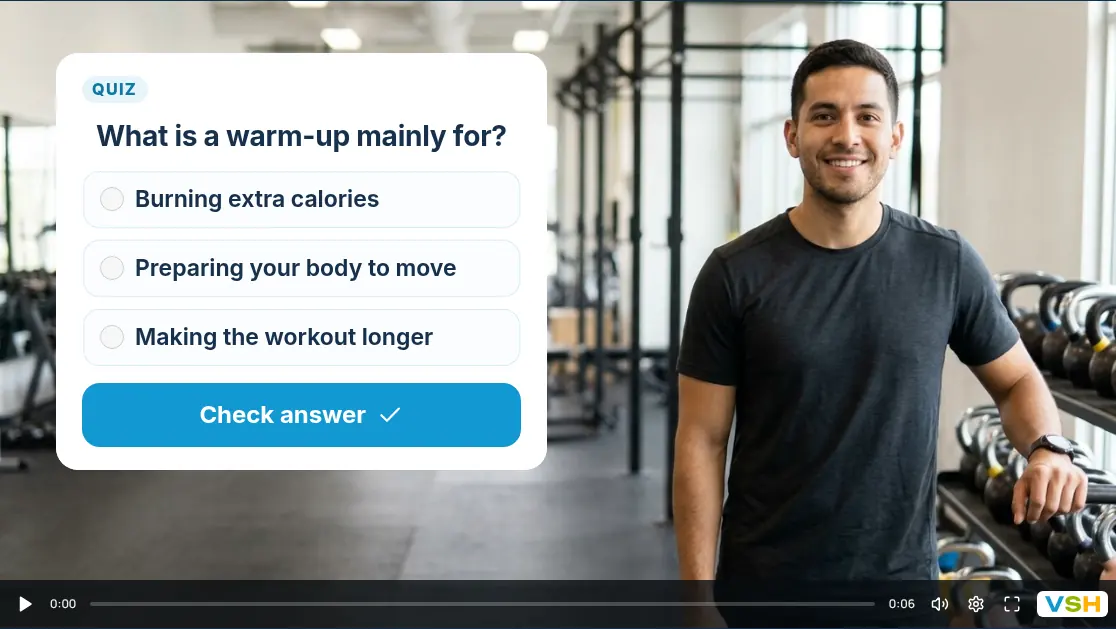
- Gyms and personal trainers: “Do you know how to warm up?” People who pass get a free first week; everyone is offered a trial session.
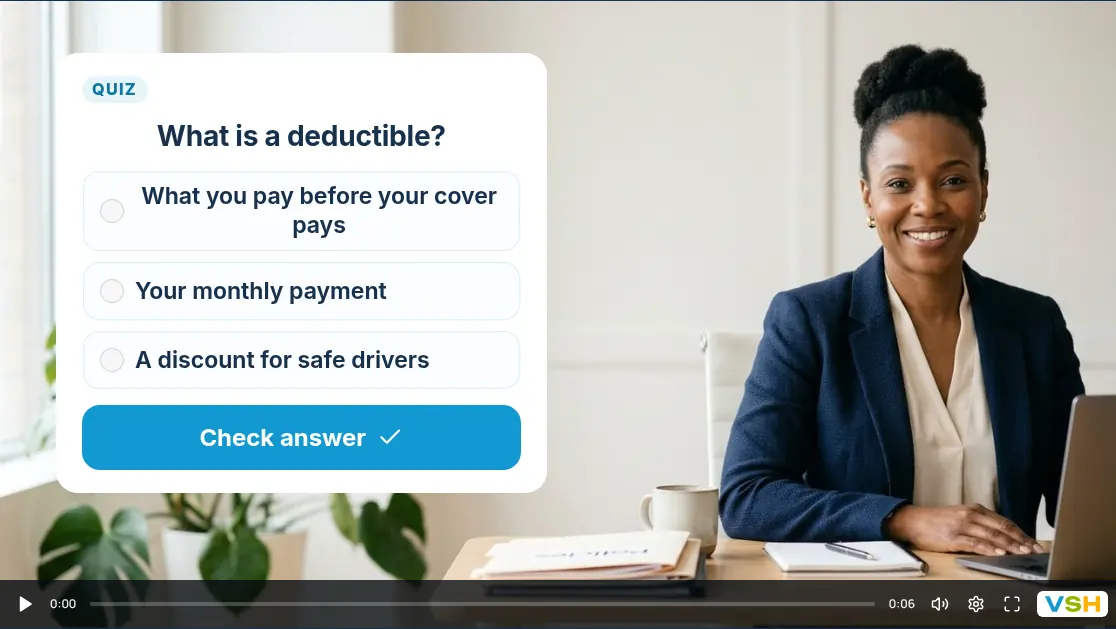
- Insurance agents: “How well do you know your policy?” Questions about deductibles and cover, ending with a free policy review.
- Med spas: “Sun care basics” about sunscreen and skin, ending with a consultation and a first-visit reward. See the med spa consultation questions for what to ask next.
- Dental practices: “Brushing myths” about how long and how often, ending with a checkup booking. The new patient questions cover what to ask before the visit.
- Mortgage brokers: “First-time buyer basics”, ending with a checklist by email and a loan call.
How to build one
- Record a short hello, then a short clip for each question.
- Add a quiz card to each question, tick the right answer and set the points and how many tries people get.
- Set the pass mark, the results heading and a short results message.
- Add a reward for passing, such as a discount code for the first visit.
- Choose where people go next: one step for those who passed and one for those who did not.
The full steps are in make a video quiz. To send different results to different videos, see send viewers down different paths.
When to ask for contact details
Ask for the email just before the result, when people most want to see their score, and say what they will get: their result, the reward code or a short guide. Use a consent checkbox if you want to send marketing emails later.
You can also email each person a branded report built from their own answers when they finish, with your offer and contact details. See send viewers a personal report.
Keep it fair
A quiz is for learning and starting a conversation. Do not present a result as a diagnosis, a quote or financial advice, and do not use it to make health or money promises.
- Every result gets a next step. People who did not pass should still be welcome to book.
- Explain the right answer. Being told “wrong” without a reason feels like a trick.
- Make the reward real. If you promise a code, show it on the results screen.
Common mistakes
- Too many questions. People drop off long before question ten.
- Trick questions. They make people feel tested rather than helped.
- A result with nowhere to go. The end of the quiz is where the booking or the offer belongs.
For more ways to use questions on video, see what an interactive video funnel is.
Questions people ask
What is a lead generation quiz?
A short quiz that teaches something useful and asks for contact details before showing the result, so the people who take it can become leads.
How many questions should a quiz have?
Three to five works well on video. It is long enough to be useful and short enough to finish on a phone.
Can people who pass get a discount?
Yes. In VideoSaysHi you can add a reward for passing, such as a code shown on the results screen.